
AutoCAD and DXF files can speed up quoting and production when the file is clean, scaled correctly, and paired with the practical details a fabricator needs. When the file package is paired with the right project details, the quote review becomes faster and more accurate.
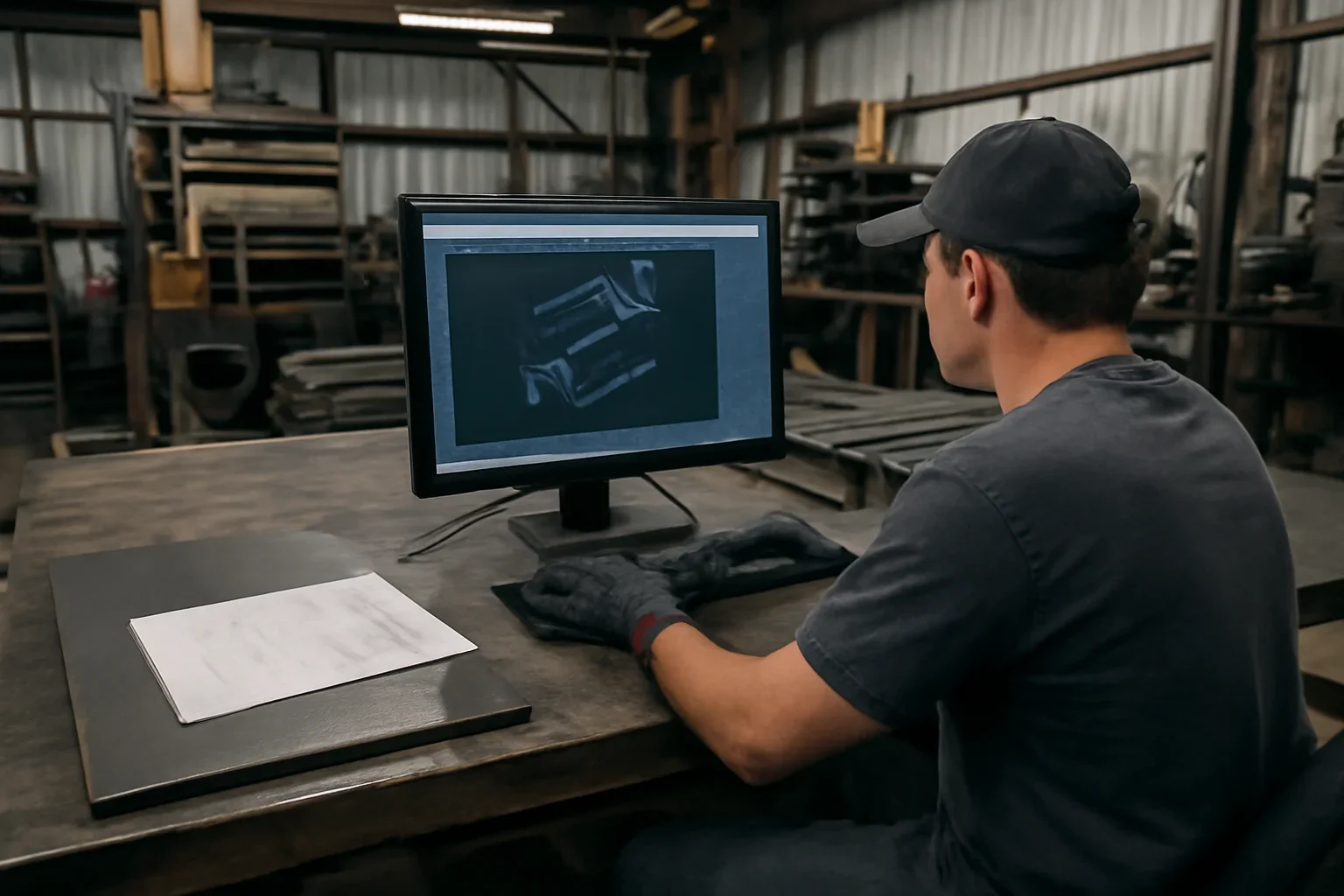
The strongest technical intake packages remove guesswork before the first quote conversation starts.
A clearer file package usually means a cleaner first review and fewer follow-up questions.
A clearer file package usually means a cleaner first review and fewer follow-up questions.
A clearer file package usually means a cleaner first review and fewer follow-up questions.
Why This Matters
Technical files are useful because they communicate geometry and intent more clearly, but they work best when they are supported by practical project notes.
Material, finish, quantity, revision status, and intended use all give the file the context it needs.
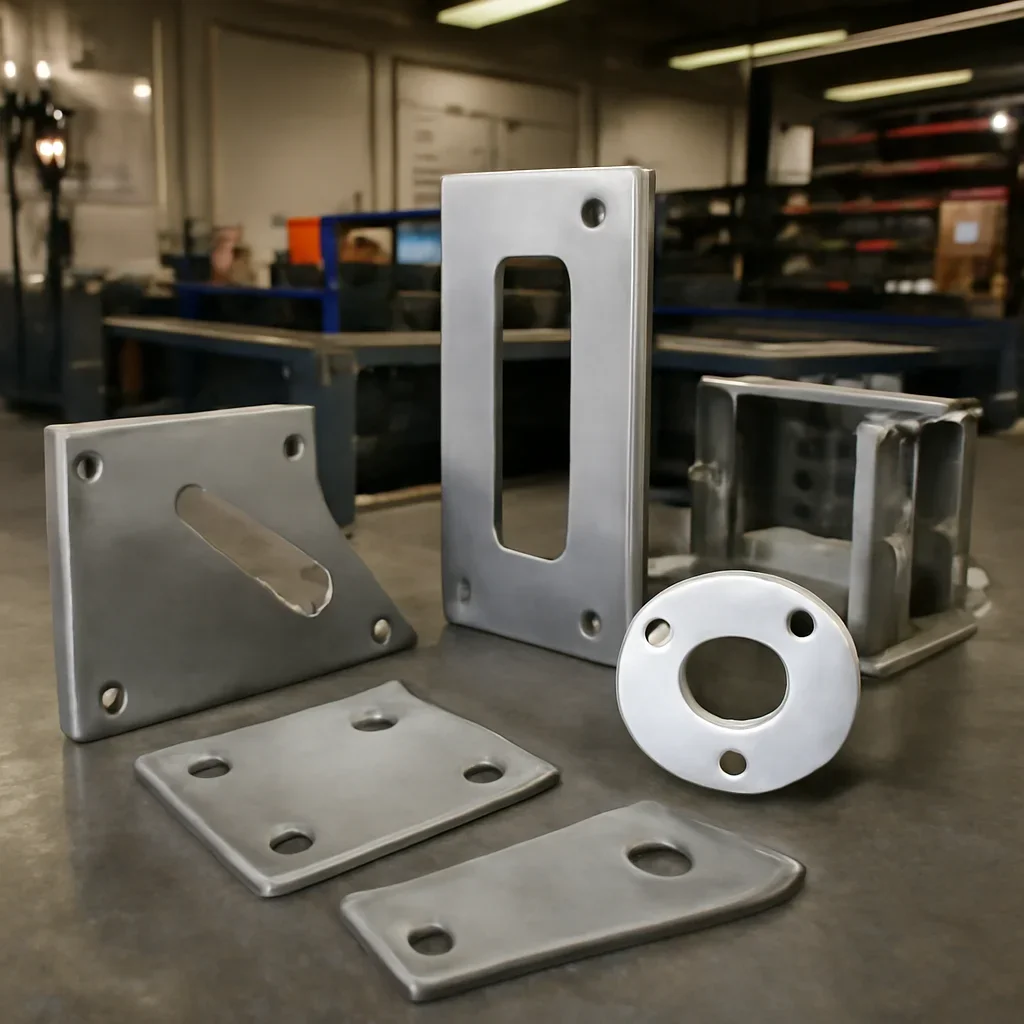
Use these related pages to prepare files, choose the next workflow step, or move directly into a quote request.
Upload the current file package and include the project details that affect material, finish, quantity, and timing.
We will review the information and help define the next step.