
A smoother fabrication project often starts before any metal is cut. Clean files, clear revision control, and a simple RFQ package help reduce delays and make the first quote conversation more useful.
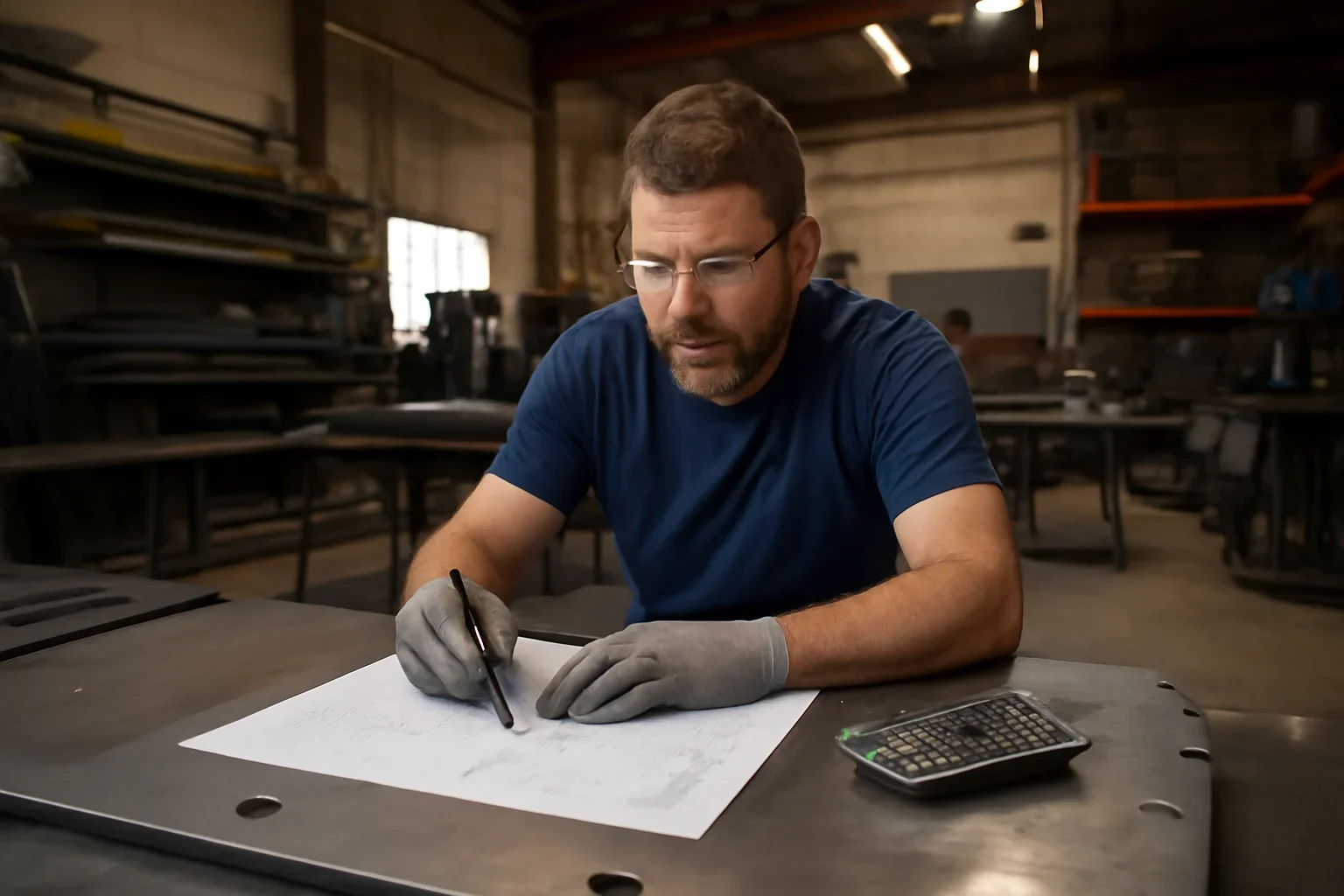
Better Inputs, Better First Conversations
Some customers have full CAD packages and controlled revisions. Others have a marked-up PDF, a dimensioned sketch, or photos from the field. Both can work when the project details are organized clearly.
The key is sending the best file package you have, along with material, quantity, finish, and timeline information that gives the scope real context.
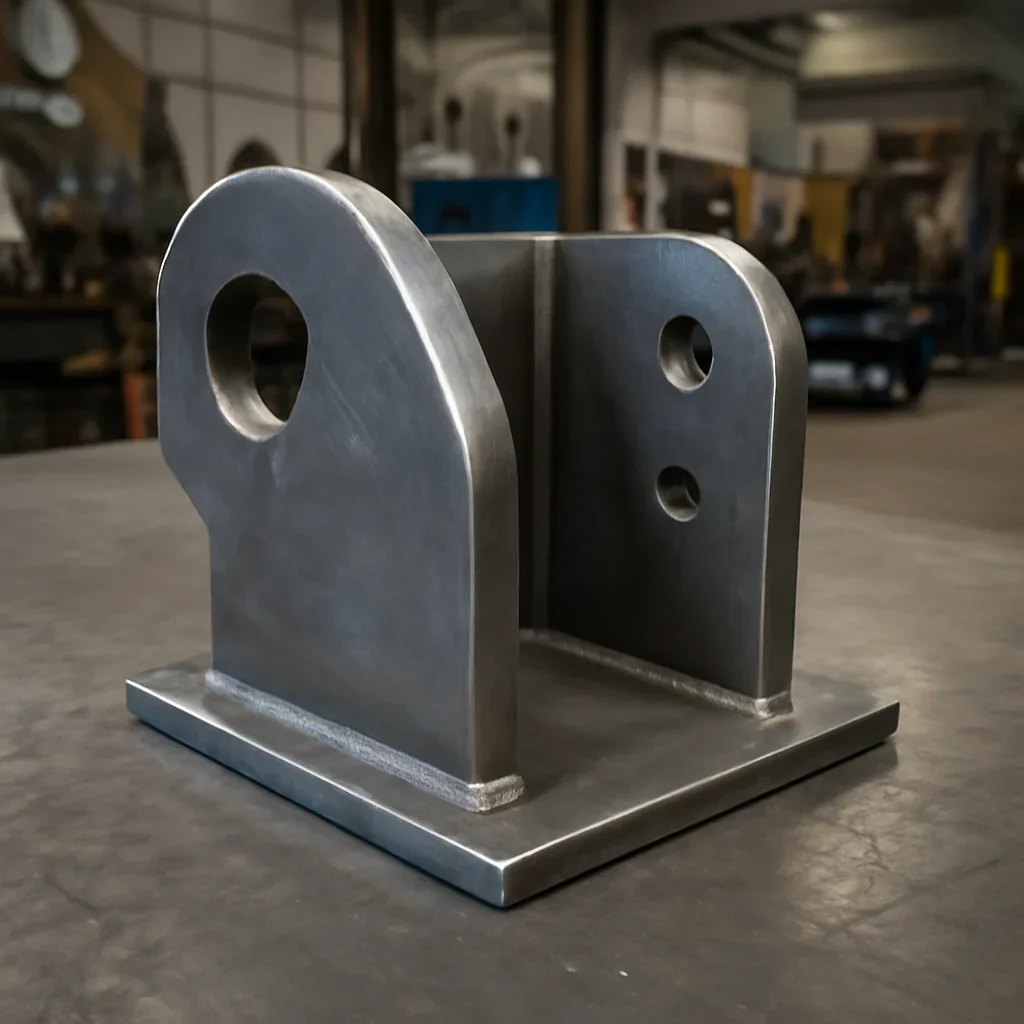
Open the page that fits the kind of files or drawings you already have in hand.
Use the quote page when you are ready to upload drawings, dimensions, quantities, and finish details.
If the files are not fully ready yet, the support pages can help you prepare them.